Space / System
BrewGuide
An iPhone AR assistant that turns questions about a real coffee maker into component-level highlights, directional cues, and contextual instructions.
Watch demo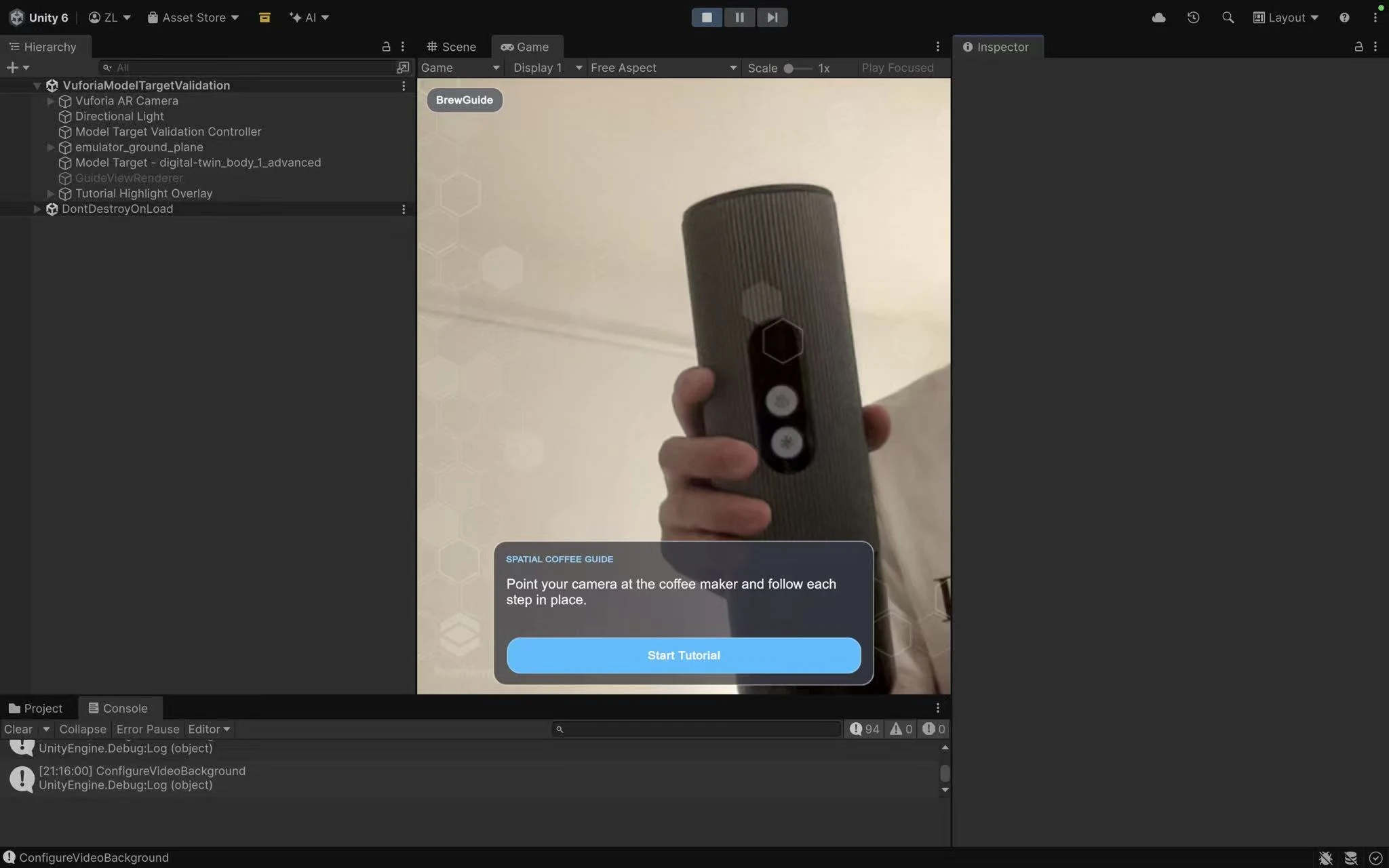
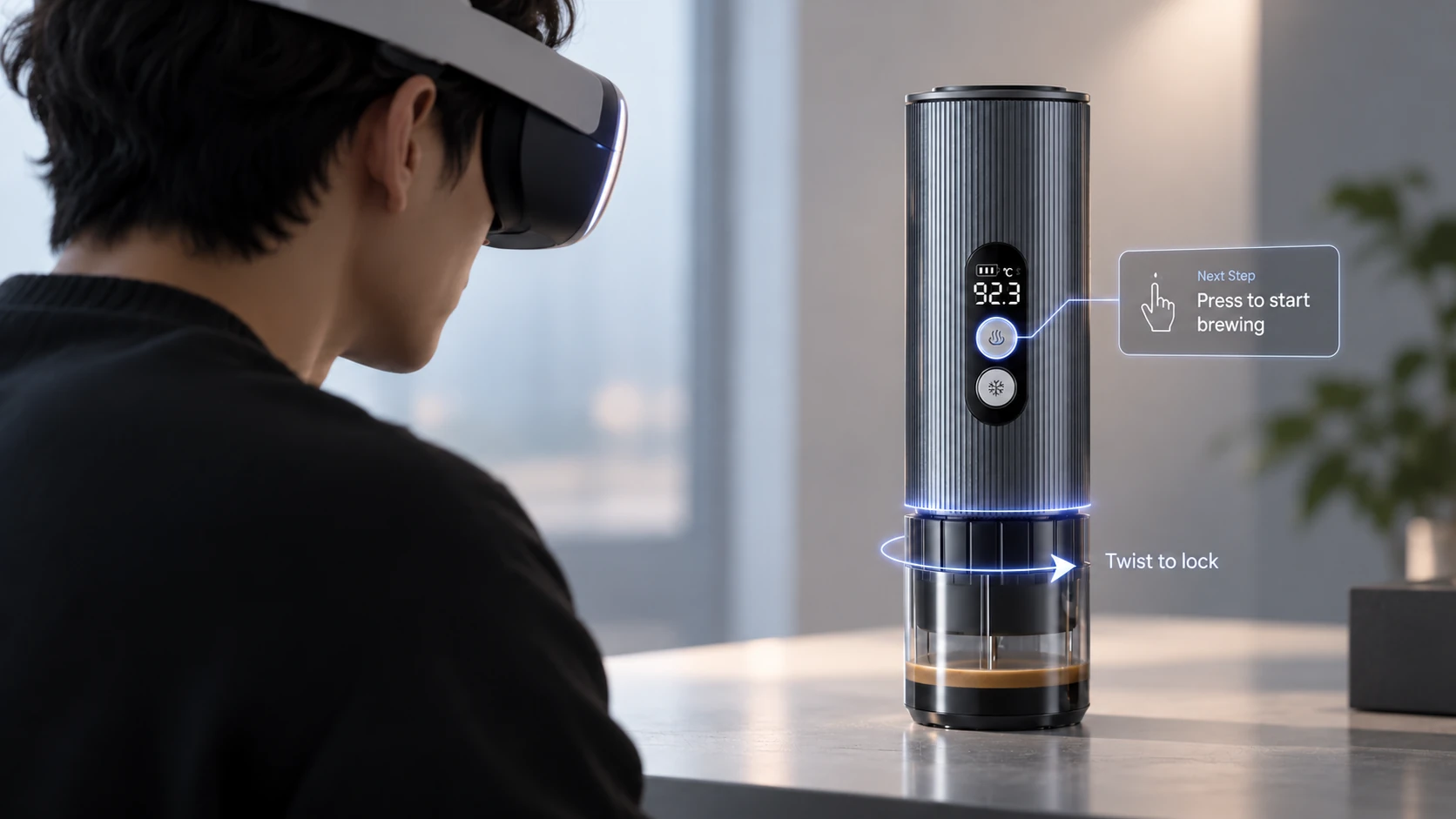
Digital answers Physical actions
Overview
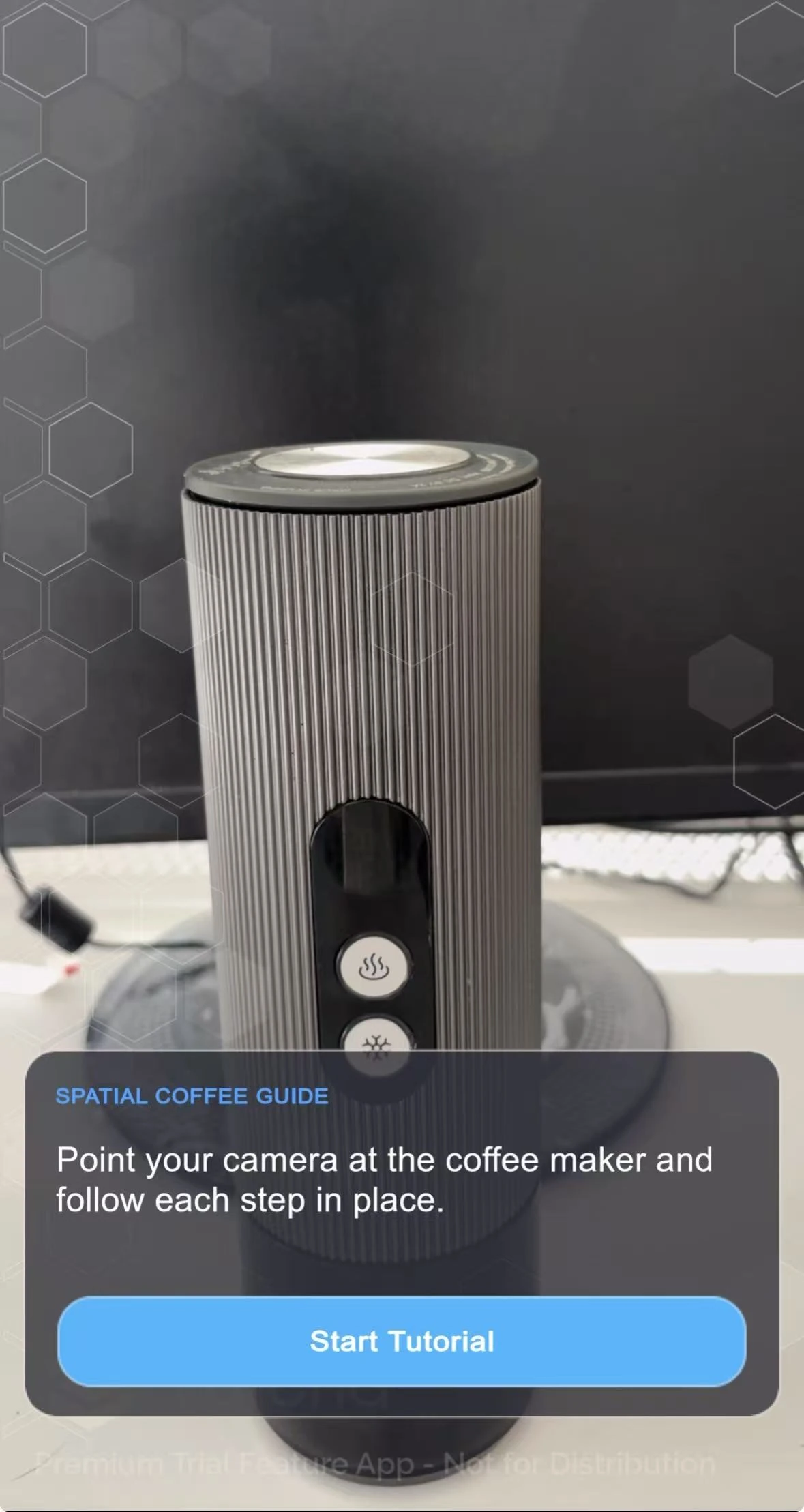
BrewGuide is a multimodal Spatial AI prototype that helps users operate an unfamiliar portable coffee maker. Instead of presenting instructions in a separate manual or chat window, it attaches guidance to the relevant physical components through highlights, arrows, rotation cues, text, and speech.
Built around one registered AMZCHEF coffee maker, the experience combines an authored 11-step tutorial with contextual questions, automatic progress detection, and text or turn-based voice interaction. Users can follow the procedure or request a specific goal, such as adding water.
I developed the product concept, designed the interaction, authored the digital twin, and implemented the Unity and AI integration. Codex supported implementation, debugging, and automated checks, while I retained responsibility for design decisions, 3D authoring, and physical-device validation.
iPhone demonstration of object tracking, component-level AR guidance, and contextual AI interaction.
The challenge
How can AI answers become actionable guidance on a physical object rather than remain instructions the user must interpret elsewhere?
- 01
Connect an instruction to the right component.
Users need to understand both what to do and where to do it, including actions involving similar-looking parts, rotation, removal, and reassembly. - 02
Adapt without losing the procedure.
Questions, completed actions, and alternative task orders should influence the guidance without bypassing prerequisites or accidentally changing progress. - 03
Make uncertain automation recoverable.
Tracking and visual interpretation can be uncertain. The experience needs controlled responses and a manual fallback rather than assuming every observation is correct.
Key design decisions
Put guidance on the object, not inside a chat window
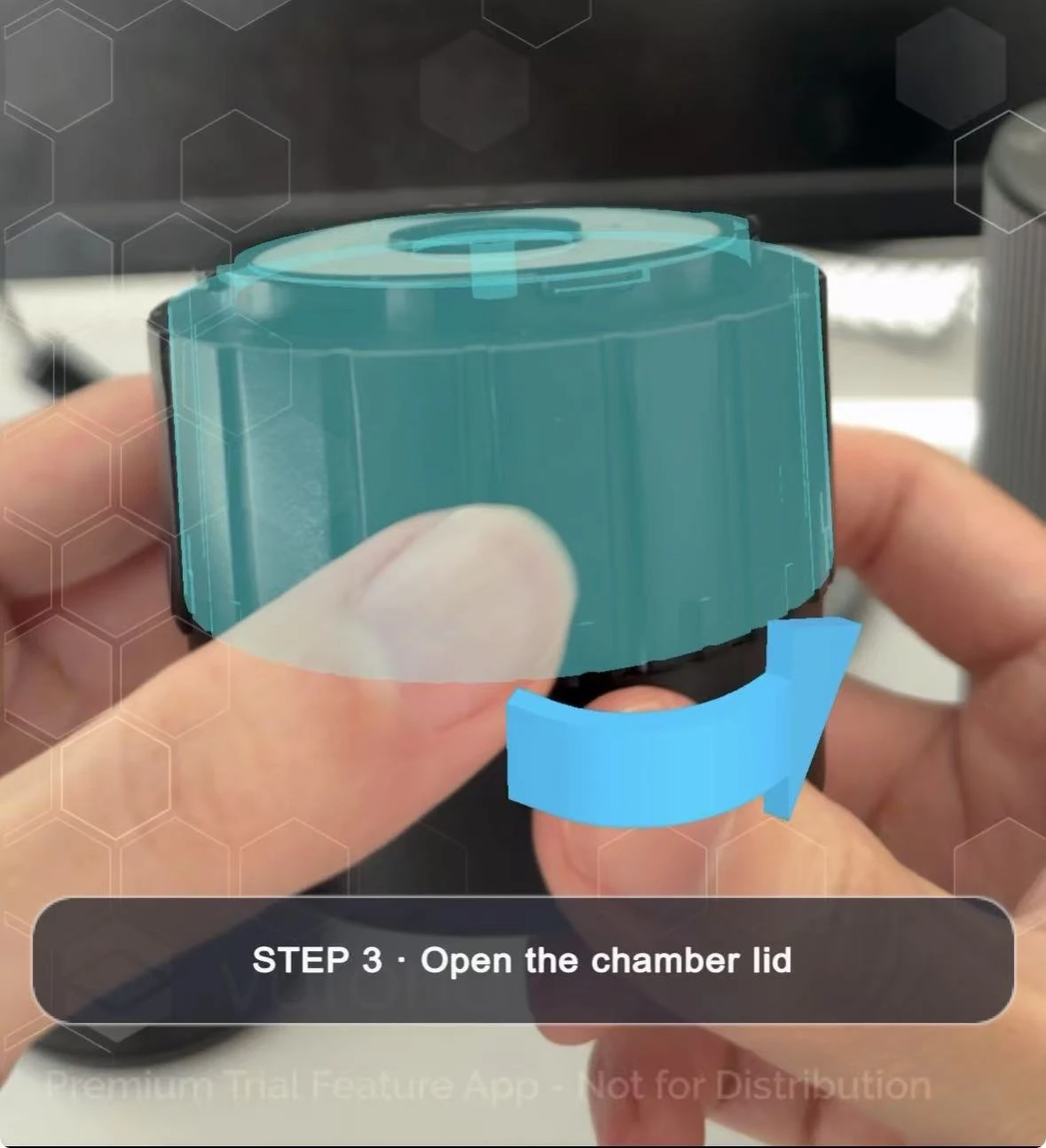
Spatial highlights and arrows are the primary guidance, supported by speech and minimal text. The bottom card can collapse so the camera view remains dominant while instructions stay connected to the relevant physical part.
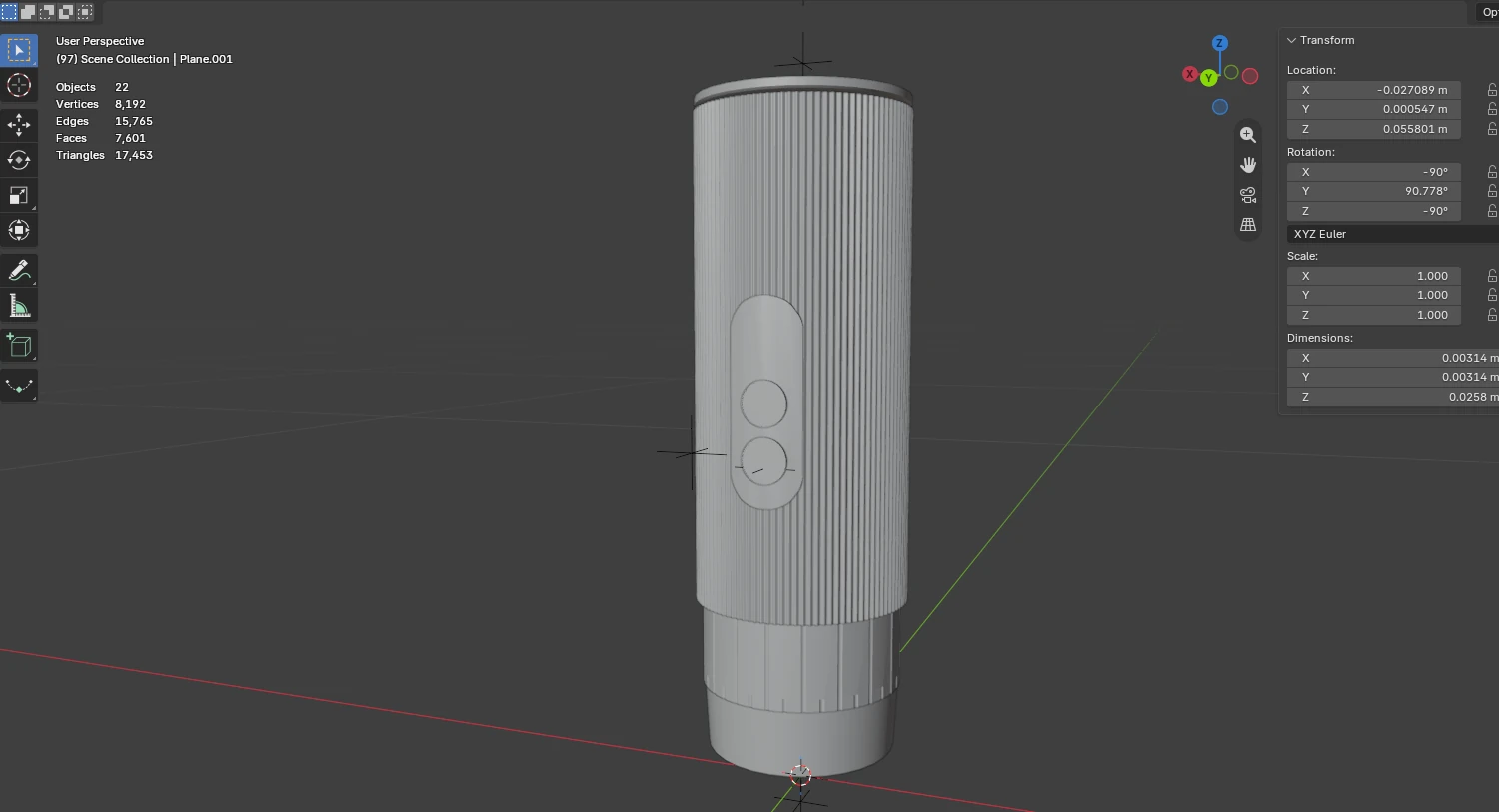
I authored a digital twin with separate components and anchors for actions such as rotation, filling, and placement. Unity aligns this model to the registered coffee maker and reveals only the part and cue relevant to the current action.
The prototype is deliberately limited to one registered product so the spatial guidance can remain precise and testable.
Let AI interpret intent while Unity controls space
The language model returns constrained references to known components, goals, tutorial steps, and visual cues rather than coordinates or arbitrary commands. Unity validates those references against the authored digital twin before presenting guidance.
Temporary answer focus is separated from persistent tutorial progress. A question can highlight a component without marking a step complete or moving the user to another stage.
Match guidance to evidence, not just the next numbered step
Vuforia provides object pose and recognizable states, visual AI checks appearance, and natural language captures goals and preferences. Unity checks prerequisites before deciding which action to present.
For example, a request to add water while the lid is closed first directs the user to open the lid. Camera frames exclude AR overlays, automatic advance requires repeated judgments, and manual navigation remains available as a fallback.
Prototype review
- Recognizable geometry mattered more than decorative detail.
Early simplified models lacked distinctive features around the buttons, display, and chamber. I refined their geometry and authored separate component states, prioritizing features relevant to recognition and alignment rather than adding surface polish first. - Accurate tracking did not automatically produce stable-looking guidance.
Small pose variations made highlights visibly shake. I separated presentation smoothing from raw tracking data, stabilizing the rendered guidance while retaining the tracked pose for visual-observation regions.
These observations came from development and physical-device testing, not a formal user study. Recorded iPhone validation covers stable machine tracking and the first six tutorial steps. Later voice, interface, and interaction improvements still need a consolidated end-to-end device check.
Next iteration
The next step is a full 11-step iPhone validation covering tracking loss, target switching, delayed visual responses, and out-of-sequence requests. The backend also requires authenticated HTTPS and production safeguards before broader access.
After technical validation, I would run a user study focused on task completion, recovery, incorrect automatic advancement, trust, and cognitive load.
Outcome
The result is a working iPhone Spatial AI prototype combining markerless tracking, an authored 11-step procedure, component-level AR guidance, contextual questions, and turn-based voice interaction.
Its main outcome is a connected loop: recognize physical context, interpret the request, check prerequisites, show the relevant action, and use completion evidence to advance or recover. The current scope remains one registered coffee maker.
The main takeaway is that useful AI guidance needs authored spatial meaning, controlled task state, and a recovery path—not only a correct answer.
Working iPhone AR prototype for spatially grounded product guidance